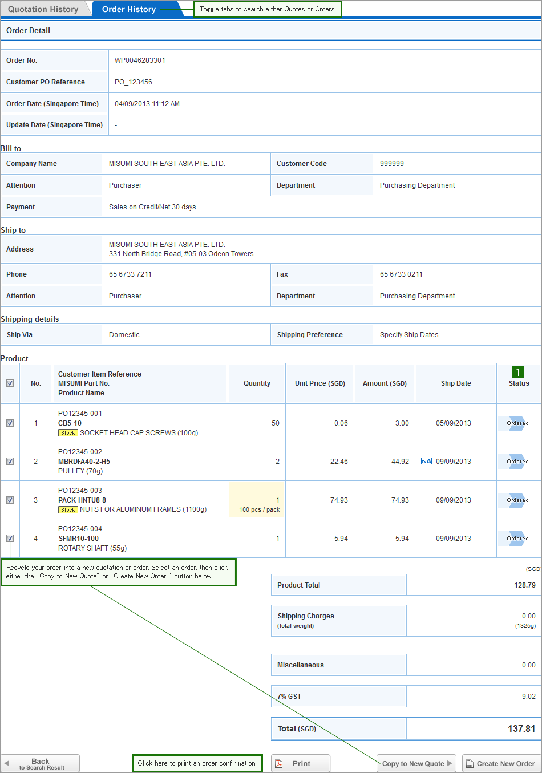
Quote / Order History
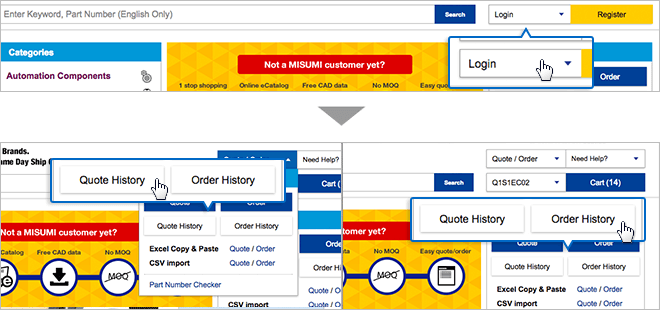
Log in to view Quote / Order History
1. Please log in at the top right corner of MISUMI website.
2. Upon successful log in, you can access Order HIstory by clicking from the top menu.
3. The order history section within "My Page" will show. All saved quotes and orders can be filtered and searched here. Keeping all default settings and clicking on "Search" will enable you to view all saved transactions.

Add to Order Request