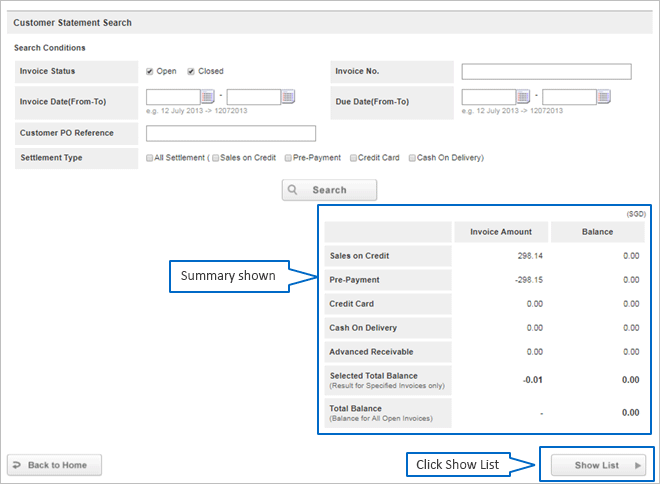
How to download E-statement online
To download e-statement, please follow the instructions below:
- *Please note that you will need to log into your account to download e-statement.
Go to Customer Statement Search Page
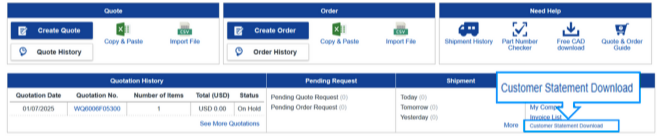
1 Click either your username or "Order History" to access "My Page"
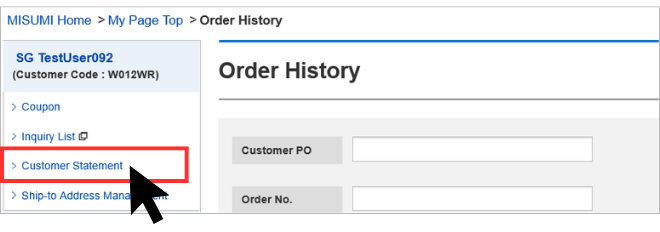
2 Inside My Page, on the left side, Click on "Customer Statement".
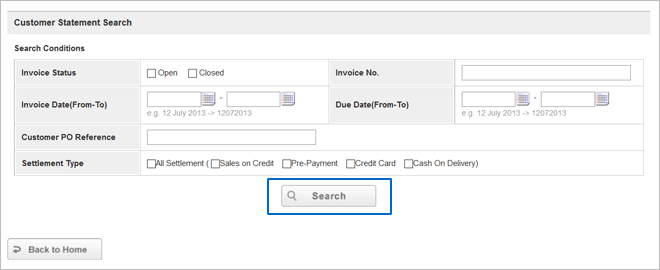
Search Customer Statement
1 Enter your desired search conditions
2 Click [Search]
Download Customer Statement
1 List of statements are shown
2 Click PDF Download Icon to download statements in PDF format.
Note: CSV Download is not available.