Search by Category
Select a Category
1. Go to MISUMI homepage.
2. View list of category by either clicking on "Categories" on Top Menu Bar, or hover over Homepage Categories Menu.
3. Select the category you are interested in viewing.
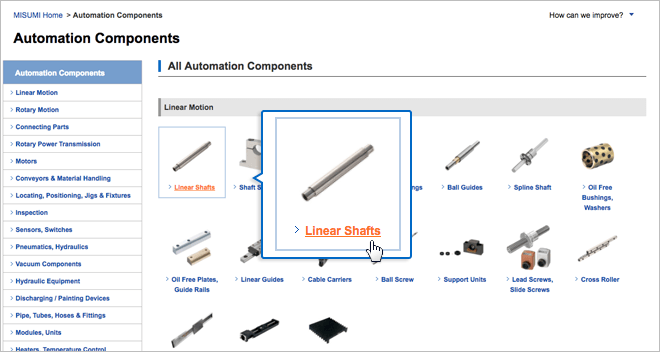

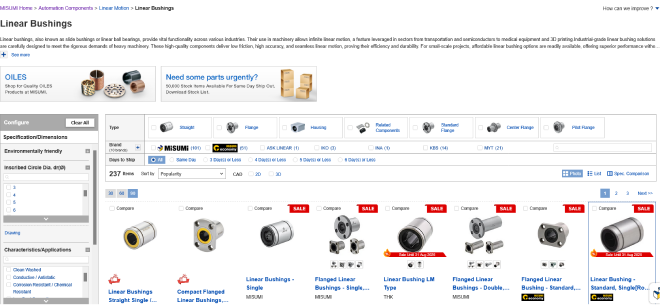
If you would like to see all product categories under a specific big category:
1. View list of category by either clicking on "Categories" on Top Menu Bar, or hover over Homepage Categories Menu.
2. Click on the Black Category text (e.g., Linear Motion)
3. Browse the grid of product categories and click on your interested product category.
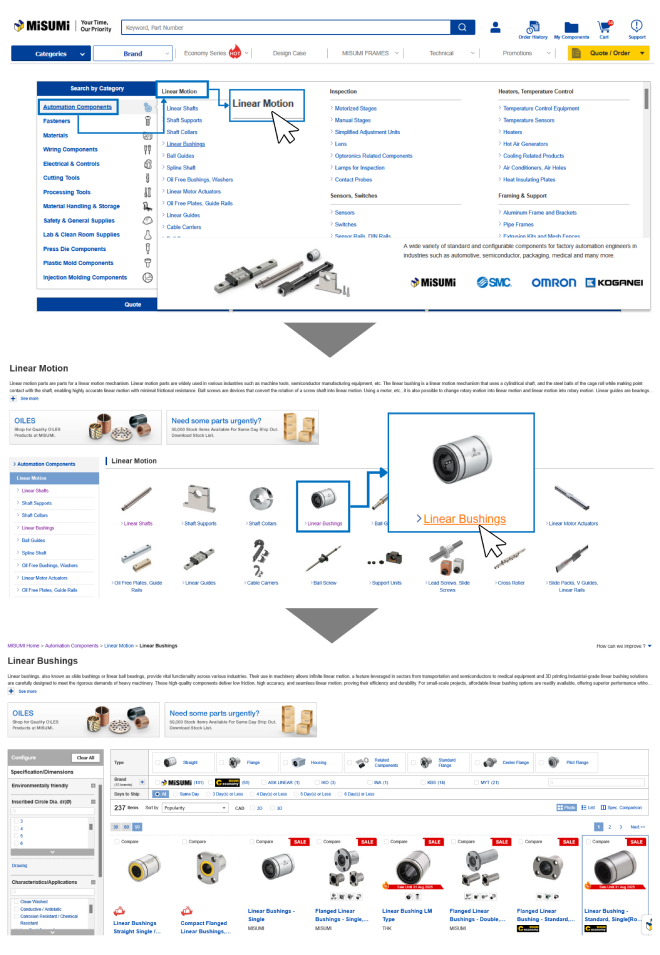
You can also click on the following links to view how to:.