Compare Between Products
Compare products side-by-side in one click (Up to 5 products per
category, across max. 6 categories).
* You can compare at product series level, or part number level.
Compare in Category Page, Search Page, or Product Page
1. Go to a Category / Search Page, or Product Page.
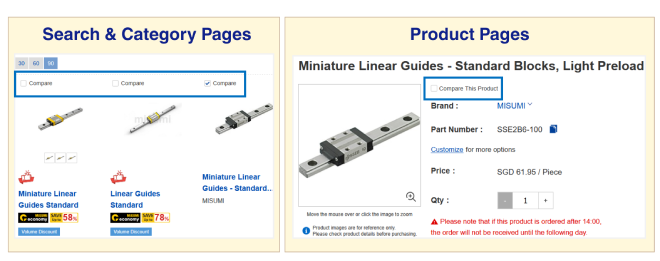
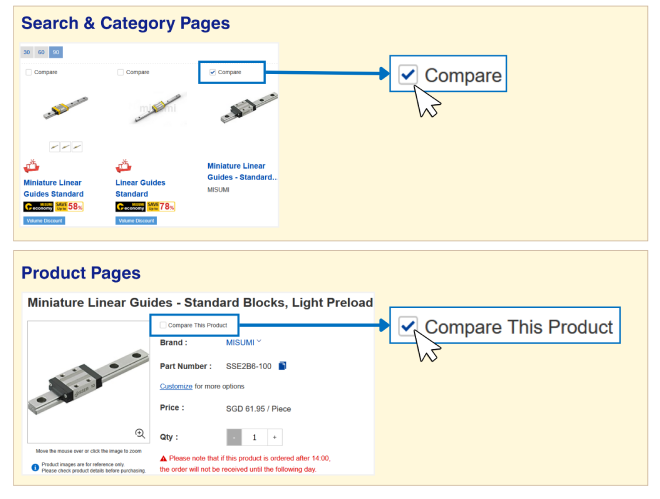
2. Select product for comparison by checking 'Compare' box above each product.
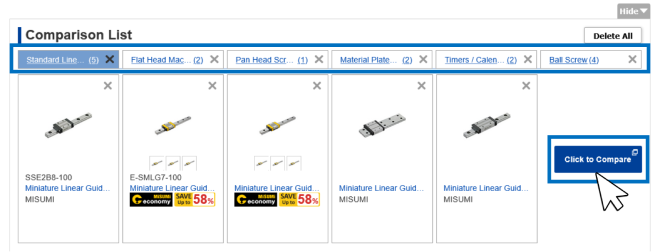
3. After selecting products to compare (Max. 5 per Category, Max. 6 Categories) press "Click to Compare" button.
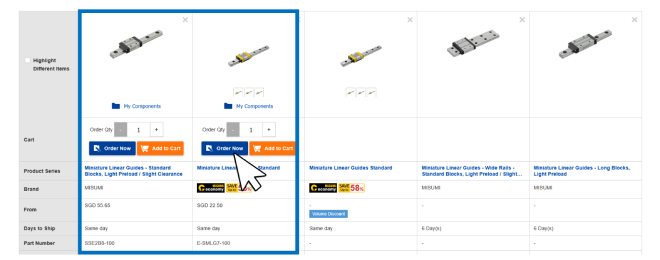
4. View product details side-by-side. If you compare products after generating part numbers, you can see
pricing, leadtime and more specifications at a go!
You may "Add to Cart" or "Order" straight from this page.
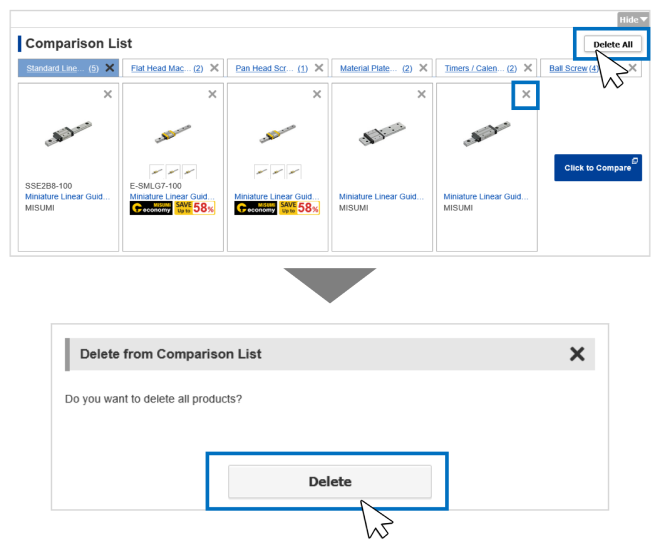
To Delete / Remove Items
If you would like to replace items / remove categories for comparison, you may press the "X" on each item / category.
To delete all items & category:
1. Click "Delete All" on the top right corner.
2. Click "Delete" in the confirmation popup.